
Swindon Mac
Independent Apple Mac support and services for Swindon and beyond.
Even Mac users needs a little help from time to time.
You might be a new owner needing help getting started with your new pride and joy, or a long time user tearing your hair out because the damn thing just won't start.
Maybe you're looking for a refurbished Mac to start with or update your existing iMac or MacBook.
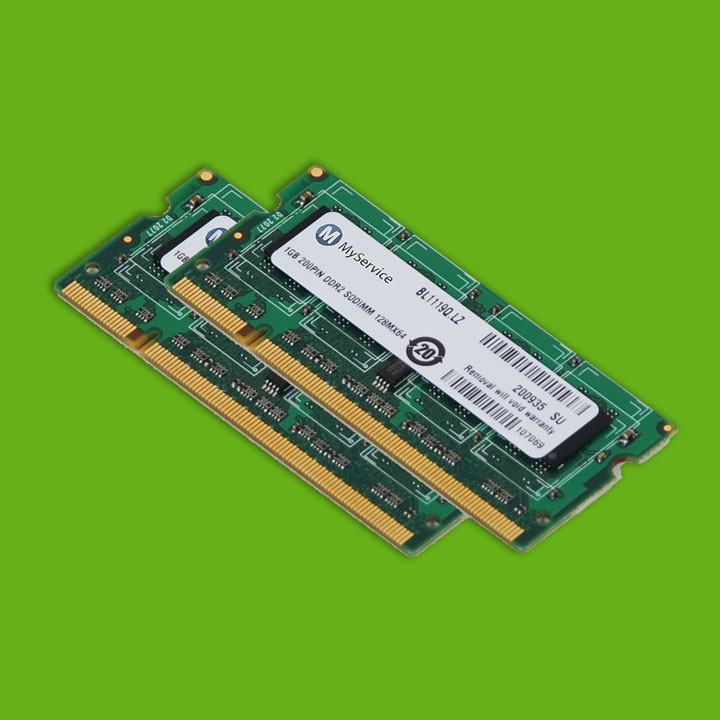
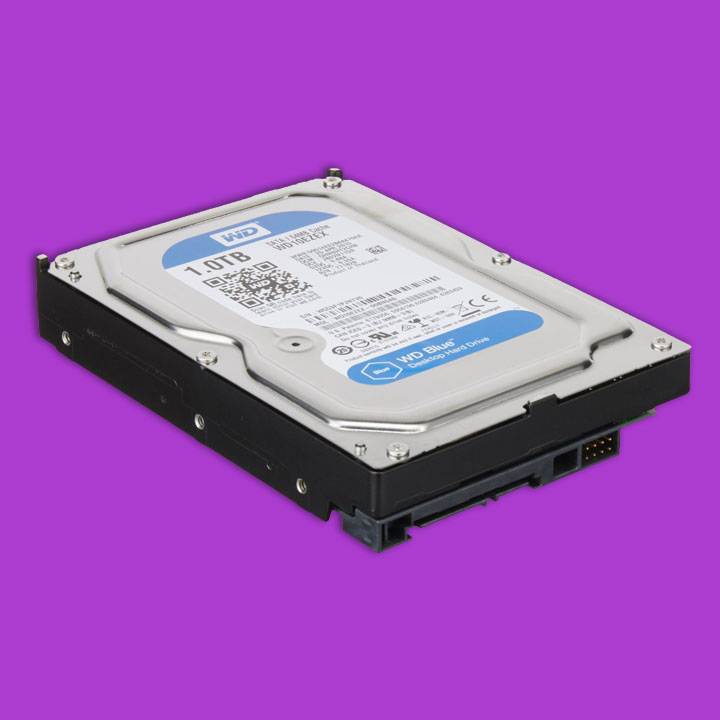
Or you could be looking to upgrade your existing machine, switch to an SSD, add more RAM or update your OS.
Whatever Mac help you need, you can get it here. Jargon free, helpful and most importantly, in your own home if you need it.
Personal Service
Setting up, advice and training, repairs,
upgrades, data recovery/transfer or networking.
Everything Mac, personally.
No matter if you are a seasoned user or a newcomer to the world of Apple, our job is to help you to understand your Mac, to fix it quickly if something has gone wrong and to make sure you and your Mac stay best of friends for ever.
We offer a one-to-one service that's friendly and jargon free. We want you to be comfortable using your Mac, so it's our mission to explain everything to customers in a friendly straightforward and understandable manner. No jargon, no spin and no mad hand waving.
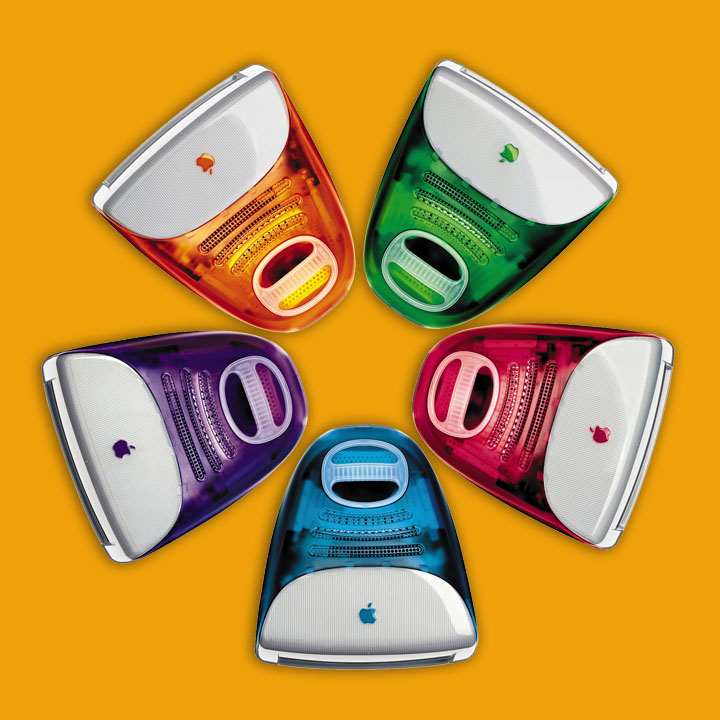
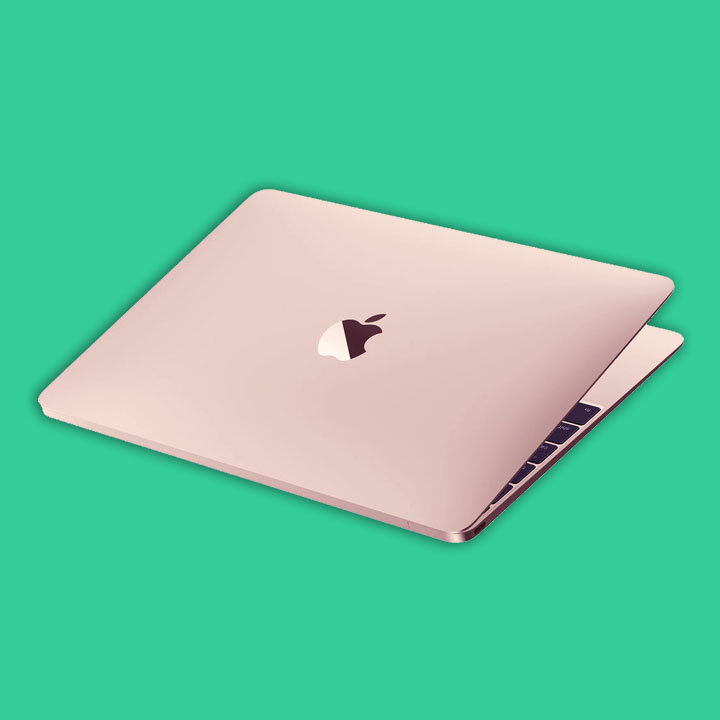
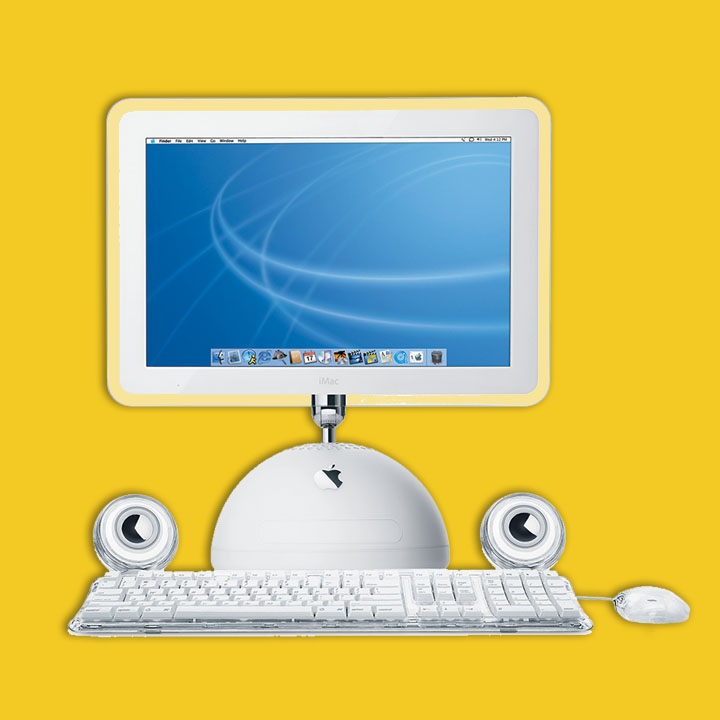
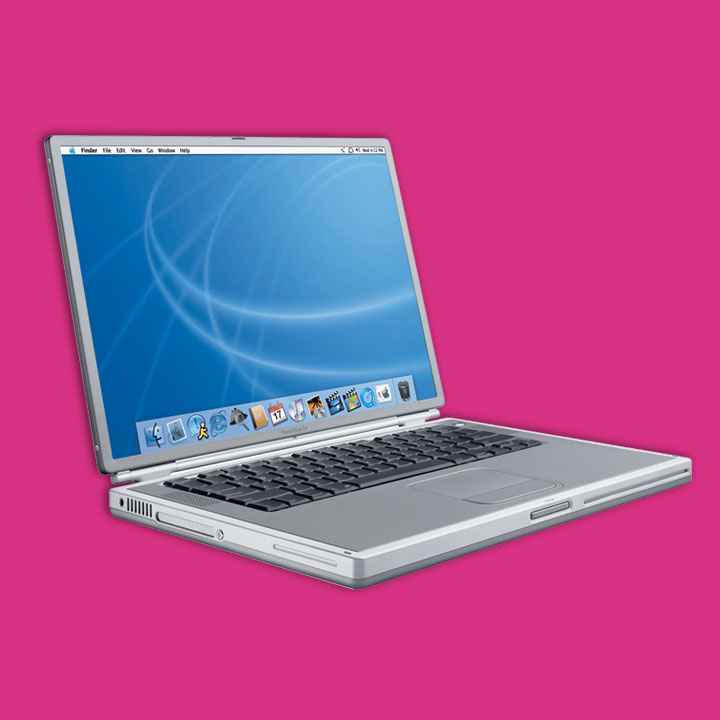

Refurbished
is the new
new!
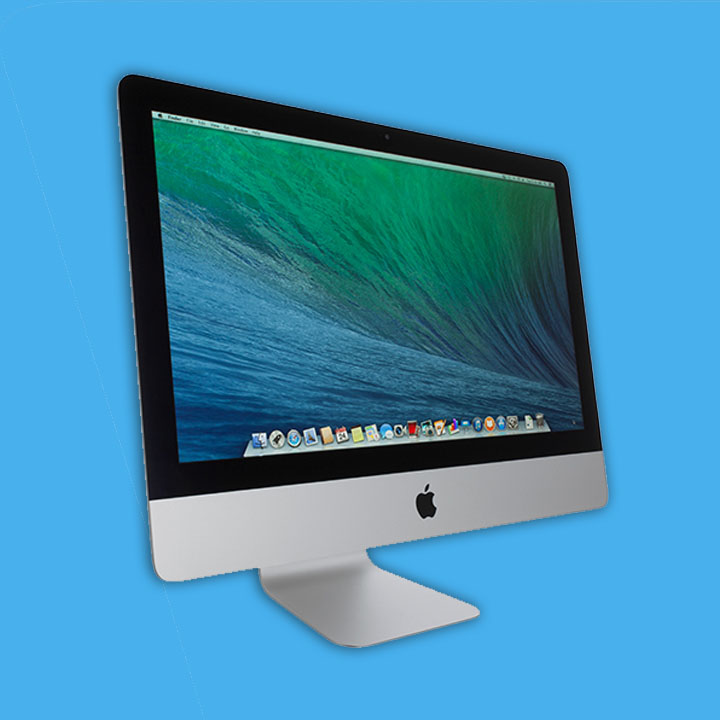
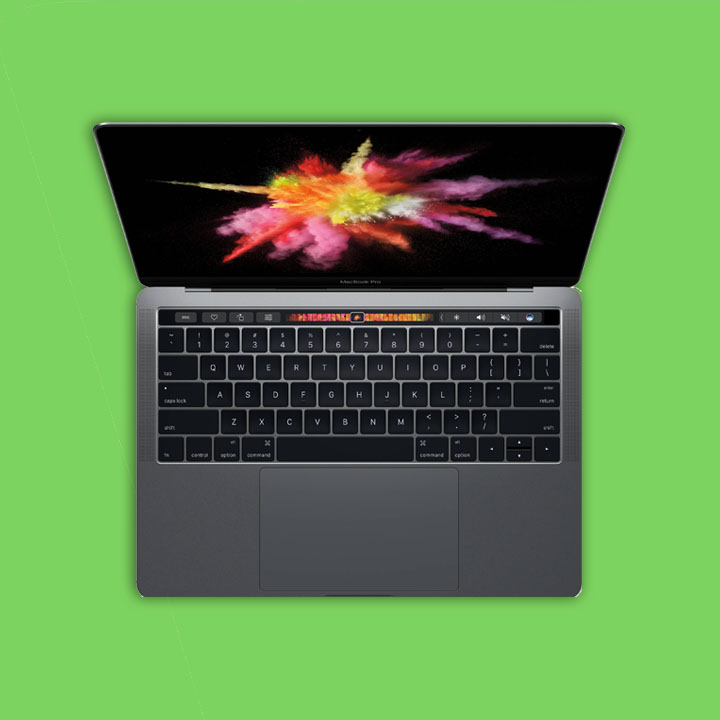
Refurbished iMacs, MacBook Pros,
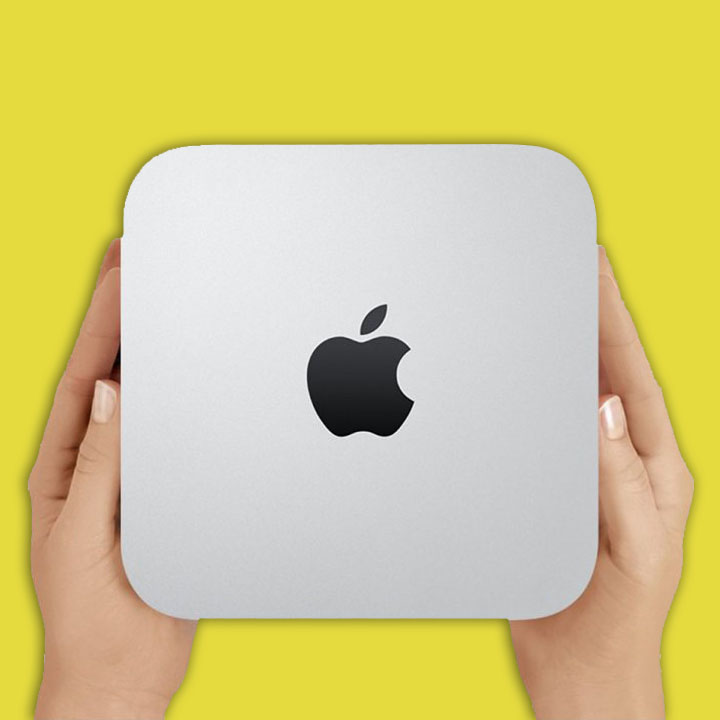
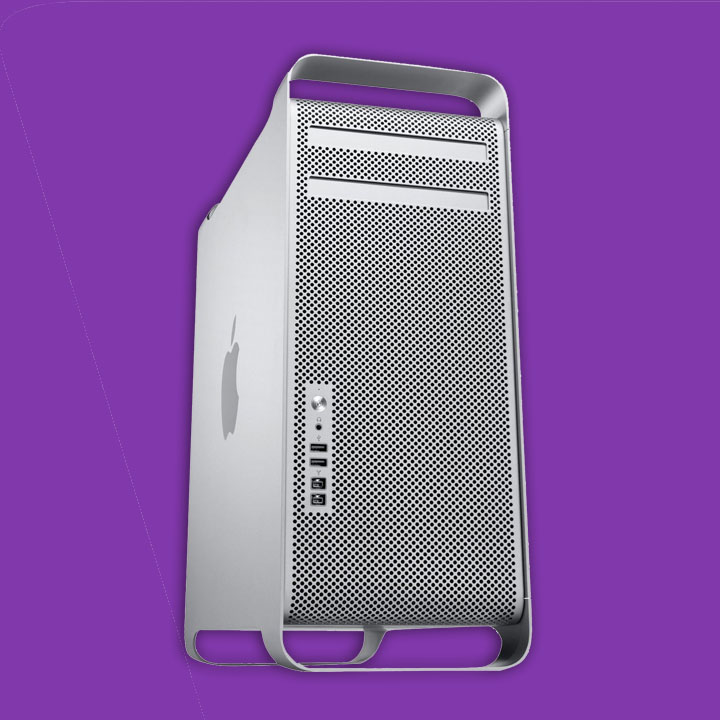
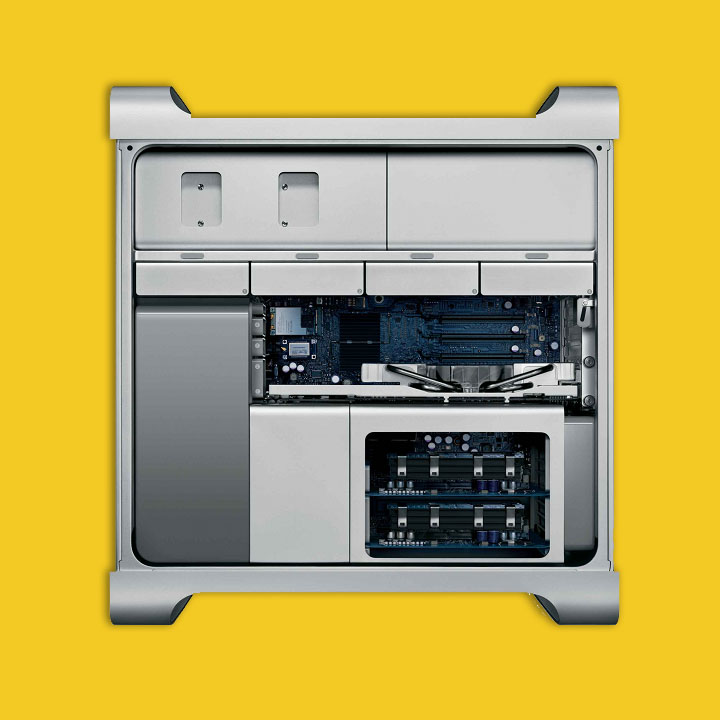
Mac Minis and even Mac Pros.
12 months warranty. Joy!
So you want a new to you Mac?
Take advantage of the savings a fully checked out and updated refurbished Mac can offer. We sell a wide range of refurbs to suit any budget.
Need a big screen? No problem a 16in MacBook Pro is the answer. Too big? Why not try a 13 or 14in Retina MacBook pro for under half the price of a new one?
Or perhaps you are looking for an iMac? Take your pick, 21.5in 24in or 27in in a variety of configurations.
Still a fan of an Intel Mac? A 16in 2019 MacBook Pro is still a powerful computer and is superb value for money, while a refurbished M1 or M2 Mac will save you a bundle over a new device.
Want to go super portable? Then a MacBook Air may be your answer. Just choose 13 or new style 15in.
Stock changes daily on refurbished Macs. Have a look on the store pages here, or just drop us an email or call to discuss your requirements.
All refurbished machines come with a 12 month return to base warranty and come with the latest version of the Mac OS that will run on that model installed and ready to go.

Repairs & Upgrades
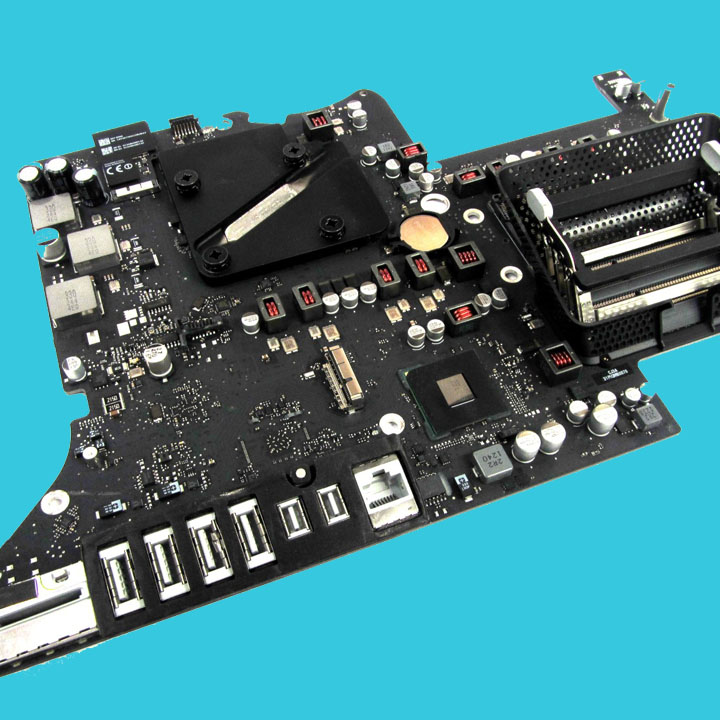
Hard drive to SSD conversions, upgrades, repairs, health checks and TLC
When your Mac goes wrong it usually does so at the most inconvenient time. So you need it back pronto. That's our mission too. We generally aim to be able to collect an errant Mac the same day you call me. Most repairs are delivered back the next day. Bigger repairs may depend on parts availability but even a large repair is usually only a couple of days.
Feel free to drop your Mac off and collect it but we am always happy to collect and deliver (see map of areas covered). That way it also gets set back up in your home. Saving you a tiresome car journey back and forth. And time.
We can also schedule upgrades and other repairs to suit you. Upgrades are also usually delivered back next day. Need a weekend service? We can do that too.


Sell your
old Mac
We don't just sell Macs, we buy them as well. So if you are upgrading to a newer, shinier Mac you can offset the cost by selling your old one. You can do this at the same time as getting your data transferred from your old to your new computer.
All purchased computers are securely wiped of all data to comply with current Data Protection regulations.
Just use the form below and we can get back to you with a price (subject to sight and testing) for your old faithful computer.